



The Short Answer
There are five practical ways to hide TV cables, ranging from a 10-minute surface fix to a fully concealed in-wall installation. The right method depends on your wall type, your budget, and how clean a finish you want. Wall chasing with replastering gives the best result. Cable covers are the cheapest and easiest. We'll walk through all five so you can decide which suits your room.
Why Do Visible Cables Ruin a Wall-Mounted TV?
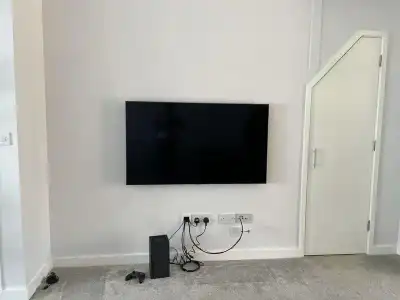
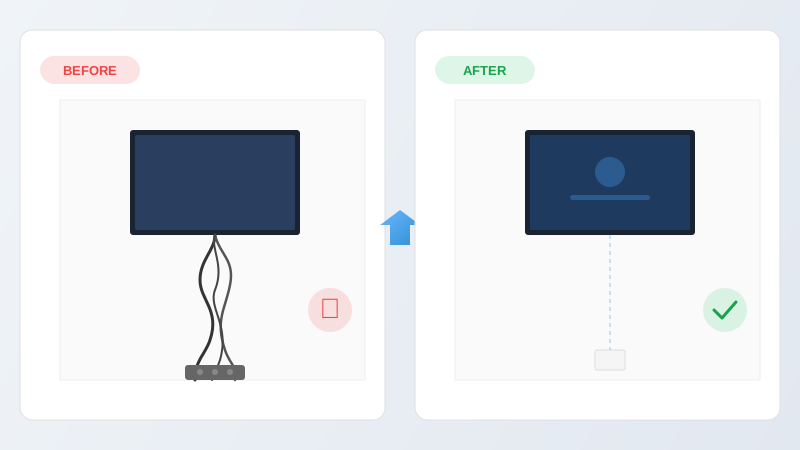
A TV mounted on the wall looks sharp and modern. A TV mounted on the wall with three cables dangling down to the skirting board does not. The screen itself might cost hundreds of pounds, but it's the cables underneath that determine whether the finished result looks professional or rushed.
Beyond aesthetics, loose cables are a tripping hazard, a target for pets and small children, and a magnet for dust. Concealing them properly finishes the job.
What Are the Five Methods for Hiding TV Cables?
Wall Chasing (In-Wall Concealment)
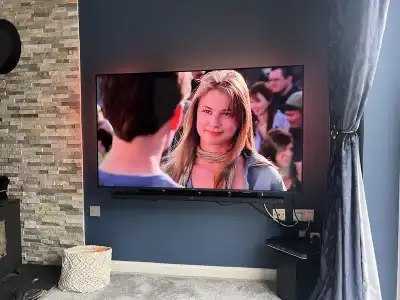
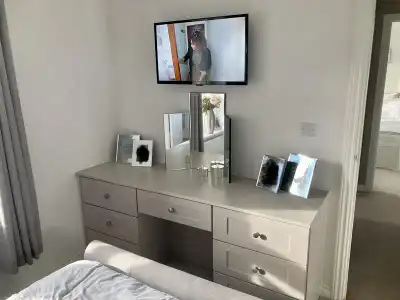
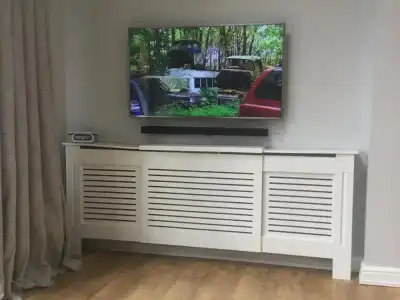
Best ResultThis is the gold standard. A narrow channel is cut into the wall from behind the TV down to the nearest socket or media unit. Cables are laid into the channel, covered with protective capping, and plastered over. Once painted, the wall looks completely untouched.
On plasterboard walls, cables are fed through the cavity rather than chased into the surface. A small hole is cut behind the TV and another near the socket, and cables are dropped or fished through the gap. On dot-and-dab walls, there's usually enough space in the adhesive gap to route cables comfortably.
On brick or block walls, a channel is cut with an angle grinder or chasing tool, cables are fixed with clips, and the channel is filled with bonding plaster then skimmed smooth.
Pros: Completely invisible finish. No surface-mounted covers. Clean wall.
Cons: Requires cutting into the wall and replastering. Needs decorating afterwards. Not reversible without filling.
Typical cost: £80 to £150 depending on run length and wall type.
Cable Trunking (Surface-Mounted Channels)
Good CompromiseFlat plastic or aluminium channels stick to the wall surface and run from behind the TV down to skirting level. The cables sit inside the channel, which snaps shut to cover them. Available in white, black, grey, and paintable finishes.
Trunking is a solid middle ground. It's neat, affordable, and doesn't involve any cutting or plastering. The channel is visible on the wall, but it's slim (typically 15 mm wide) and much tidier than bare cables.
Pros: Quick to fit. No wall damage. Reversible. Paintable.
Cons: Visible on the wall surface. Adhesive can fail on textured walls.
Typical cost: £15 to £30 for materials. DIY-friendly.
Cable Covers (Decorative D-Line or Similar)
Quick FixD-Line and similar brands make curved, paintable cable covers that stick to the wall. They're wider and more visible than trunking, but designed to blend in as a subtle wall feature rather than a cable channel.
These work best on smooth, light-coloured walls where the cover can be painted to match. On dark or textured walls, they tend to stand out more.
Pros: Cheapest option. No tools needed. Removable.
Cons: More visible than trunking. Can look bulky with multiple cables.
Typical cost: £10 to £20.
Behind Furniture Routing
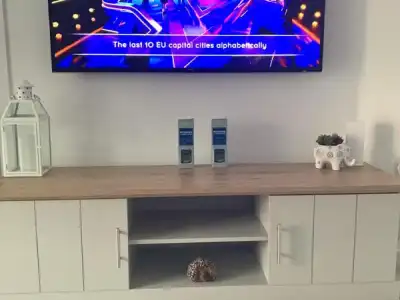
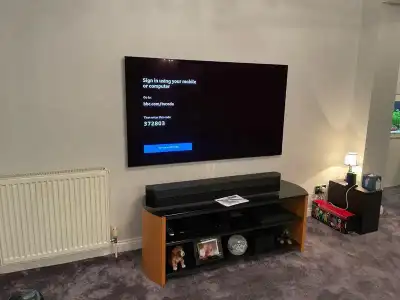
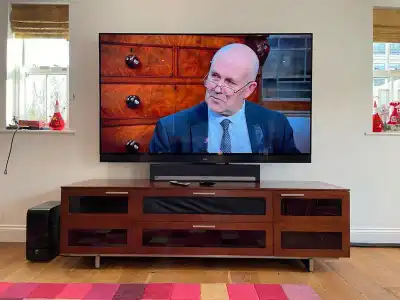
Zero CostIf you have a media unit, console table, or shelving below the TV, cables can be routed down the wall behind the furniture. No covers or chasing needed. The furniture hides everything from view.
This only works if the furniture is directly below the TV and tall enough to cover the cable run. It also means the furniture can't be moved without exposing the cables again.
Pros: Free. No tools. No wall damage.
Cons: Only works with furniture in the right position. Cables still loose behind the unit.
Wireless HDMI Transmitter
Tech SolutionA wireless HDMI kit sends the video signal from your source (Sky box, games console, streaming stick) to the TV without a physical HDMI cable. The transmitter sits at your media unit and the receiver plugs into the back of the TV.
This eliminates the HDMI cable, but you still need a power cable to the TV. So it reduces the cable count rather than eliminating it entirely. Quality varies. Budget kits can introduce input lag and compression artefacts. Better units (£80+) handle 4K with minimal delay.
Pros: No HDMI cable run at all. Good for rooms where wall access is difficult.
Cons: Power cable still needed at the TV. Quality depends on the kit. Adds a point of failure.
Typical cost: £40 to £120 for a reliable 4K-capable kit.
Which Method Works Best? A Comparison
| Method | Visibility | Cost | DIY? | Reversible? |
|---|---|---|---|---|
| Wall chasing | Invisible | £80 to £150 | Difficult | No |
| Trunking | Slim channel | £15 to £30 | Easy | Yes |
| Cable covers | Visible cover | £10 to £20 | Easy | Yes |
| Behind furniture | Hidden | Free | Easy | Yes |
| Wireless HDMI | Power cable only | £40 to £120 | Easy | Yes |
Which Method Should You Choose?
If you want the best possible finish: wall chasing. It's the method we use on the majority of our installations. Once it's plastered and painted, nobody would know cables were ever there.
If you're renting or don't want to mark the wall: trunking or cable covers. Quick, cheap, and completely removable when you move out.
If there's a media unit directly below: route behind the furniture first. If the result is tidy enough, you might not need anything else.
If the HDMI run is long or awkward: consider a wireless HDMI kit for the signal cable, combined with trunking for the power cable.
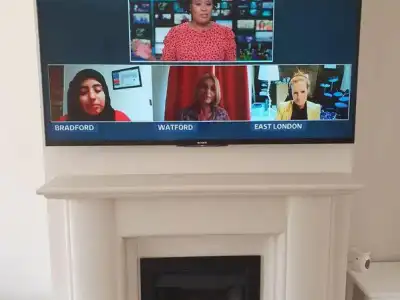
If you're mounting above a fireplace: see our fireplace mounting guide. Cables run through the chimney breast rather than a plain wall, and heat clearance affects placement too.
Want a Completely Cable-Free Finish?
We do concealed cable installations across Colchester and Essex every week. It's included as an option on every TV wall mounting job. The cables go into the wall, the plaster goes over the top, and you're left with a clean wall and a screen that looks like it's floating.
Call Roger on 07860 645446 or get a free quote. Based in Tiptree, we cover all of Essex.